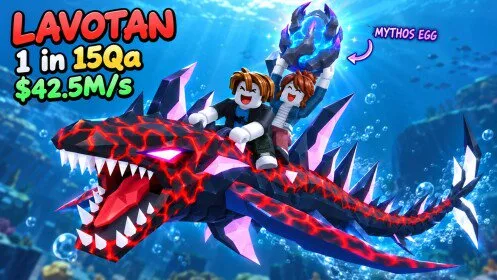
Two places a ride can start
A fish you can ride is either already in the bottom hotbar or still in your aquarium.
If it is in the hotbar, click the card when your avatar is not holding it. The tutorial line is Klik ikan untuk melengkapinya. If you are already holding it, go to the sea.
If it is in the aquarium:
- Stand at your own aquarium. The panel appears on the right beside the yellow aquarium in recordings. No separate open key was captured.
- Press red Unequip (
Lepaskan Perlengkapan). A transfer notice names the fish and the count drops, for example 4/5 to 3/5 for a Pipefish. - Open the backpack (
SEMUA ITEM) and select the fish. It should enter a hotbar slot with a green outline.
If the hotbar fish is missing, check the transfer notice and the backpack before you hatch another egg. Reviewed footage does not show a button that returns an inventory fish to the tank.
Mount, travel, dismount
Take the equipped fish to the sea. A recorded tutorial equips around the start of the ride lesson and shows a seated avatar with Dismount shortly after. You are riding only when all three are true: you are seated on the fish, red Dismount is visible, and it is the fish you selected.
Riding is swimming. One player was drowning until they mounted. Diving for eggs happens on the fish. There is no separate Ride button. A narration that jumping into the sea mounts you automatically is unconfirmed. Check the seated state before a long trip.
Dismount gets you off. It is not Unequip and it is not Feed.
Equip Best appears on the aquarium panel. Its selection rule was never tested. Pick the row yourself when the fish matters.
Switching rides
Unequip the aquarium fish you want, select it in the backpack, confirm you are holding it, then enter the water again. The reviewed chain ends with a mounted Pipefish. No automatic proximity mount is established, and the panel does not tell you which fish is faster. Time two fish on the same route if you need that answer.